REVIEW · NEW YORK CITY
Central Park: Self-guided Bike Tour App – Audio + Written
Book on GetYourGuide →Operated by Unlimited Biking · Bookable on GetYourGuide
Central Park feels easier with GPS nudges. This self-guided audio + written tour uses your phone’s location services to guide you through key spots at your own speed, whether you bike or stroll. Along the way, you get Central Park highlights plus photo moments, movie-location references, and even food recommendations.
I really like the freedom of a route that’s there when you want it and quiet when you don’t. The app is self-paced, and the guidance helps you move without constantly stopping—one standout detail is that it can cue information as you ride, not just when you’re standing still. And yes, I’d keep an eye out for the recommended dessert stop near the park—Magnolia Bakery is called out and it’s the kind of detour that can turn a normal ride into a memorable one.
One thing to consider: this experience depends on a charged smartphone and working geo-location services (a data plan is recommended). If your phone battery is low or your location/GPS is flaky, the tour won’t feel as smooth—and since it’s non-refundable, you’ll want to be ready before you commit.
In This Review
- Key things to know before you go
- How the Unlimited Biking GPS App Guides You Through the Park
- Starting Anywhere in Central Park (No Fixed Meeting Time for Sightseeing)
- What You Get at Each Stop: History Notes, Fun Facts, and Photo Prompts
- Movie Locations: When Pop Culture Turns Into a Photo Moment
- Food Recommendations and the Sweet Detour to Magnolia Bakery
- Bike or Foot: Which Mode Fits Your Central Park Day?
- Restroom Locations and Photo-Stop Planning So You Don’t Rush
- Price and Value: Is $5 Worth It for 365 Days of GPS Guidance?
- Who This Central Park App Tour Is Best For
- Should You Book This Central Park GPS Bike Tour App?
- FAQ
- Do I need to bring a bicycle to use this tour?
- Can I start the Central Park tour anywhere?
- How long is the app valid?
- What do I need to bring?
- Does the app require an internet connection?
- Is this experience wheelchair accessible?
- Can I use the code for more than one person?
Key things to know before you go
- Year-long access: once you activate it, you can use it for 365 days.
- GPS-driven audio + text: you get information tied to where you are in the park.
- Color-coded route choices: the map is organized so you can pick your own adventure.
- Photo and movie cues: some stops focus on picture-perfect views and pop-culture locations.
- Food recommendations inside the experience: including a shout-out to Magnolia Bakery.
- Restroom locations included: the app flags public restrooms so you’re not guessing.
How the Unlimited Biking GPS App Guides You Through the Park
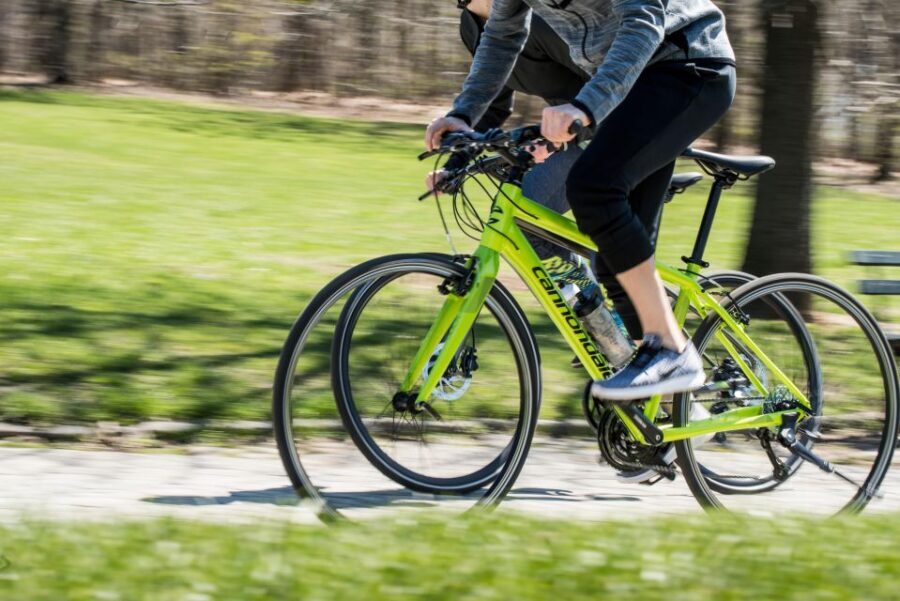
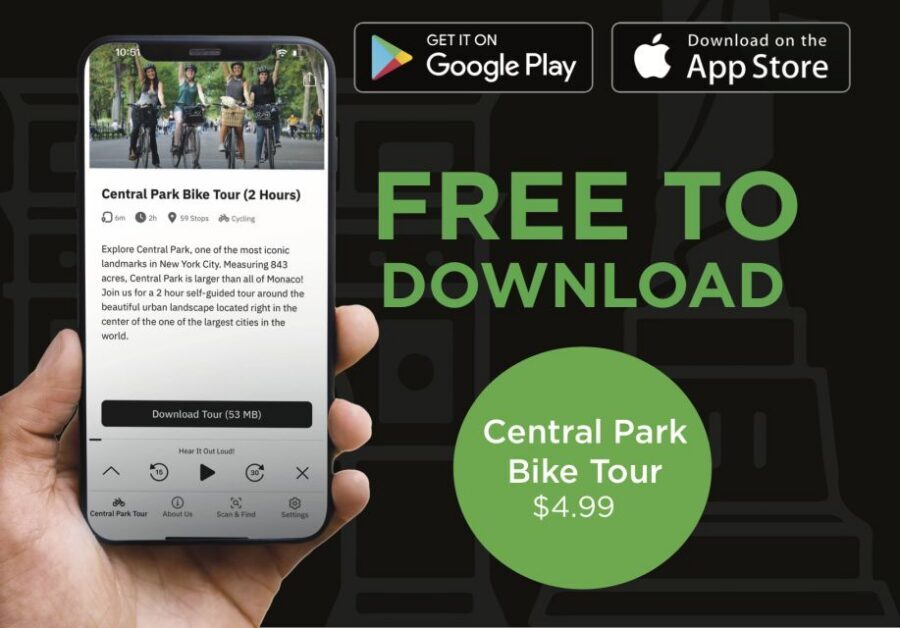
This is a self-guided Central Park tour that lives in your pocket. You download the app for free, then turn on location services so it can follow along with you. As you reach each stop, you’ll get a mix of written and audio info—brief background, fun facts, and why that spot matters.
Here’s what makes this format feel different from a traditional guided tour: you control the pace. If you want to coast by quickly, you can. If you want to park yourself somewhere scenic for ten minutes and take photos, you can do that too. The app is designed to keep you moving while still letting the park be a park—wind in your face, people-watching, and all the in-between moments.
You can also read our reviews of more cycling tours in New York City



Starting Anywhere in Central Park (No Fixed Meeting Time for Sightseeing)
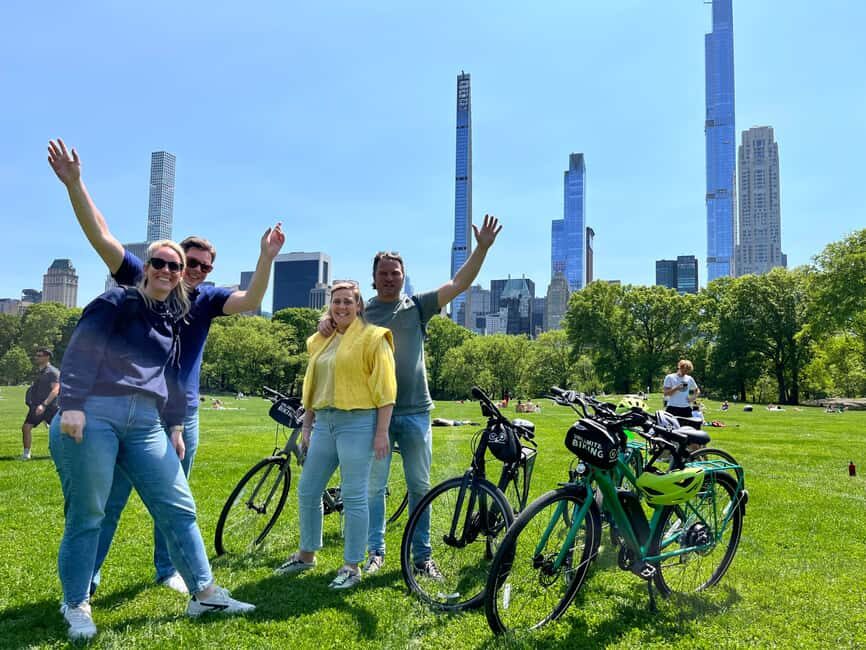
The good news is you don’t need to show up at a single checkpoint to start the sightseeing. This is a tour of Central Park, and you can begin at any point in the park.
That flexibility matters because Central Park is big. Being able to start where you’re already located saves time and reduces stress. It also means you can pair it with your own plan—maybe you’re already near the north end, or you’re starting after grabbing coffee nearby.
If you want a bike rental, that’s where a meeting point comes in. You’d meet at Unlimited Biking at 56 W 56th Street for rentals. The app tour itself still works as a “start anywhere” experience once you’re in the park.
What You Get at Each Stop: History Notes, Fun Facts, and Photo Prompts
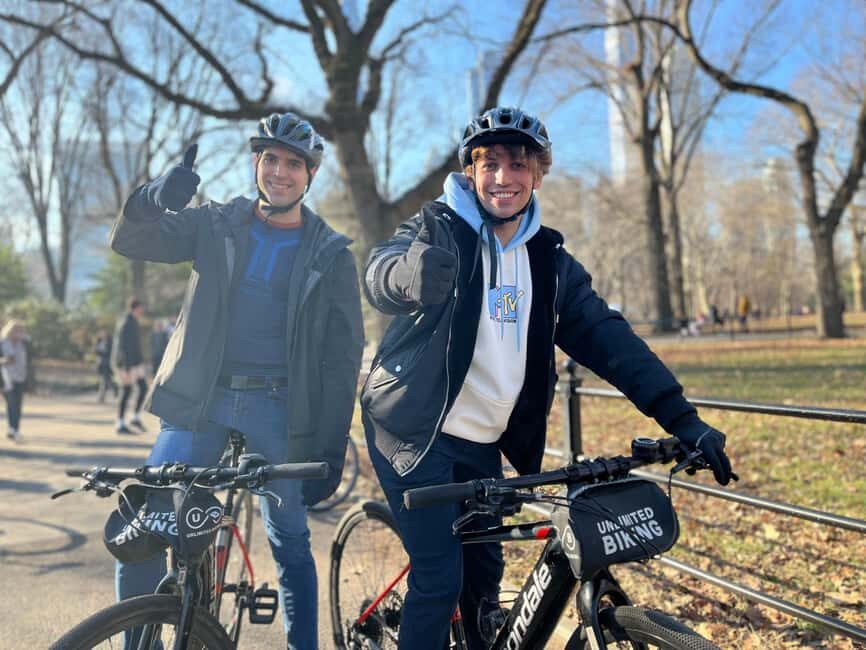
The app’s primary tour route is built around notable locations in Central Park. At each stop, you’ll get short audio and written context—not a lecture, just enough to make the view click.
You should expect three main stop styles:
- Central Park highlights: brief history-style context plus fun facts.
- Beauty and photo appeal spots: locations selected specifically because they look great in a photo.
- Restroom and practical stops: public restroom locations so you can plan instead of panic.
In real-world terms, this is the kind of guidance that helps you learn without turning your day into a classroom. If you’ve ever done a park loop and later thought, I wish I knew what I was looking at, this app is built to fix that feeling.
One practical tip: keep your phone ready, but don’t stare at it constantly. The experience is set up so information can pop up as you go, and that reduces the “stop, check, stop again” rhythm.
Movie Locations: When Pop Culture Turns Into a Photo Moment
Central Park is famous for appearing on screen, and this app leans into that. You’ll see locations tied to television and movies—basically, you can stand in the exact kind of spot where recognizable scenes were filmed.
The value here isn’t just trivia. It changes how you look around. A path or vista stops being “a nice place” and becomes “a scene location.” That can make the walk feel more intentional and fun, especially if you like film or you’ve seen a few iconic shows.
Expect this section to include:
- Movie/TV location references tied to specific stops on the route.
- A built-in reason to stop, look, and take a picture that fits the “scene” vibe.
If you care about photos, these stops are often the easiest wins. Even if you’re not chasing a perfect shot, you’ll likely find yourself framing your camera more naturally when you know there’s a reason for the angle.
Food Recommendations and the Sweet Detour to Magnolia Bakery
This app doesn’t just focus on scenery. It also includes top recommendations for food in and near the park.
One recommended spot stands out: Magnolia Bakery. Even when a tour includes food tips, they can sometimes feel generic. Here, Magnolia Bakery is specifically mentioned, and it’s the kind of dessert stop that turns a ride into an actual event—especially if you plan to stop mid-tour rather than only thinking about food at the end.
A smart way to use the food notes: treat them like options, not a rigid schedule. If you see a food stop that feels good, you can adjust your pace and take a break there. If not, you can keep rolling.
Also, because this is self-guided, it helps to have your phone nearby when you’re deciding whether to detour. You’ll want your GPS and location services working well enough to navigate confidently once you leave the main route.
You can also read our reviews of more guided tours in New York City






Bike or Foot: Which Mode Fits Your Central Park Day?
The tour works on bike or foot, and that choice changes the experience.
If you’re biking:
You’ll cover more ground and spend less time moving between stops. Central Park’s size makes biking a good match if you want to see a lot without turning your legs into a casualty. The app is designed with motion in mind, and that’s reinforced by feedback that the information can cue you while you ride.
If you’re walking:
You’ll slow down naturally, which can be great for enjoying photo stops and movie-related viewpoints. Walking also makes it easier to stop for snacks, browse around, and linger when something catches your eye.
One important note: the bicycle itself is not included. If you need a bike, rental options are available through Unlimited Biking via GetYourGuide (with the meeting point at 56 W 56th Street).
Restroom Locations and Photo-Stop Planning So You Don’t Rush
Central Park days can feel endless—in a good way—until you realize you’re hungry, thirsty, or just need a restroom and your brain is suddenly doing math.
This app helps by including public restroom locations within the experience. That’s a big quality-of-life feature because it means you don’t have to rely on luck or detours you didn’t plan.
Pair that with the app’s photo-op prompts, and you get a smoother rhythm:
- Look for the kind of stop you want (scenic, movie reference, etc.).
- Plan to linger briefly where the app tells you the viewpoint matters.
- Use restroom notes to avoid rushing late in the day.
If you’re the type who always tries to “save time” and ends up stressed, these practical cues can do a lot of work for you.
Price and Value: Is $5 Worth It for 365 Days of GPS Guidance?
At $5 per person, this is priced like a low-risk add-on to your Central Park plan. The biggest value isn’t just the price—it’s the time window: it’s valid for 365 days from first activation.
That changes how you should think about value:
- If you’re visiting once and want a helpful guide without a formal tour, $5 is easy to justify.
- If you’re planning multiple park outings during a year, you effectively buy a tool you can reuse.
- If you’re traveling with family, the code can work for multiple members of your group: buy for ONE customer and all can use the code on their phones. That’s a real savings if you’re split across devices.
Your cost isn’t only the $5, though. You need:
- a charged smartphone
- geo-location services working (a data plan is recommended)
If your phone battery tends to die early, plan to bring a portable charger. Otherwise, you might hit the same annoying moment you get with any GPS-based app—except here, the tour can’t keep going without your setup working.
Also, it’s non-refundable, and the app can be activated any time before your booking date. So don’t buy it and assume you can refund later if your plan changes.
Who This Central Park App Tour Is Best For
This works best if you want a Central Park experience with structure but not pressure.
You’ll likely enjoy it if:
- You like learning as you go, in small bites, not lectures.
- You want help finding Central Park highlights without joining a guided group.
- You’re into movie locations, or you just like having an excuse to stop and take photos.
- You’re traveling with someone who wants different pacing—one person might bike faster while another lingers.
It might be less ideal if:
- You hate using your phone during sightseeing.
- You’re worried about GPS accuracy or weak data coverage.
- You’re expecting a staff-led tour with a live guide meeting you in the park.
The app approach also suits different mobility needs. It’s listed as wheelchair accessible, and since the tour can be done on foot or bike, you can match it to what’s comfortable for your day.
Should You Book This Central Park GPS Bike Tour App?
I’d book it if you want a simple, low-cost way to make Central Park feel more meaningful. For $5, the combo of GPS-triggered audio + written info, movie-location references, food recommendations, and included restroom notes is a strong toolkit. The fact that the app can guide you while you’re moving—so you don’t have to constantly hunt for your next step—is a practical win.
I’d pause before booking if your phone battery is unreliable, you don’t plan to use geo-location services, or you hate phone-based guidance. Since it’s non-refundable and depends on location and data, you’ll want a quick reality check: do you have the setup needed to make the app work smoothly?
If your answer is yes, this is an easy way to turn Central Park from a pretty walk into a day with stories—and a few well-timed photo and dessert moments like Magnolia Bakery.
FAQ
Do I need to bring a bicycle to use this tour?
No. The tour includes the self-guided experience in the app, but use of a bicycle is not included. If you need a bike rental, you can buy it separately at Unlimited Biking at 56 W 56th Street.
Can I start the Central Park tour anywhere?
Yes. You can begin at any point in the park. The bike-rental meeting point only applies if you need to rent a bicycle.
How long is the app valid?
It is valid for 365 days from the first activation.
What do I need to bring?
You need a charged smartphone.
Does the app require an internet connection?
The app requires geo-location services, and a data plan is recommended for use.
Is this experience wheelchair accessible?
Yes, it is listed as wheelchair accessible.
Can I use the code for more than one person?
Yes. If you buy for one customer, all members of your group can use the code on their phones.